Smart Import
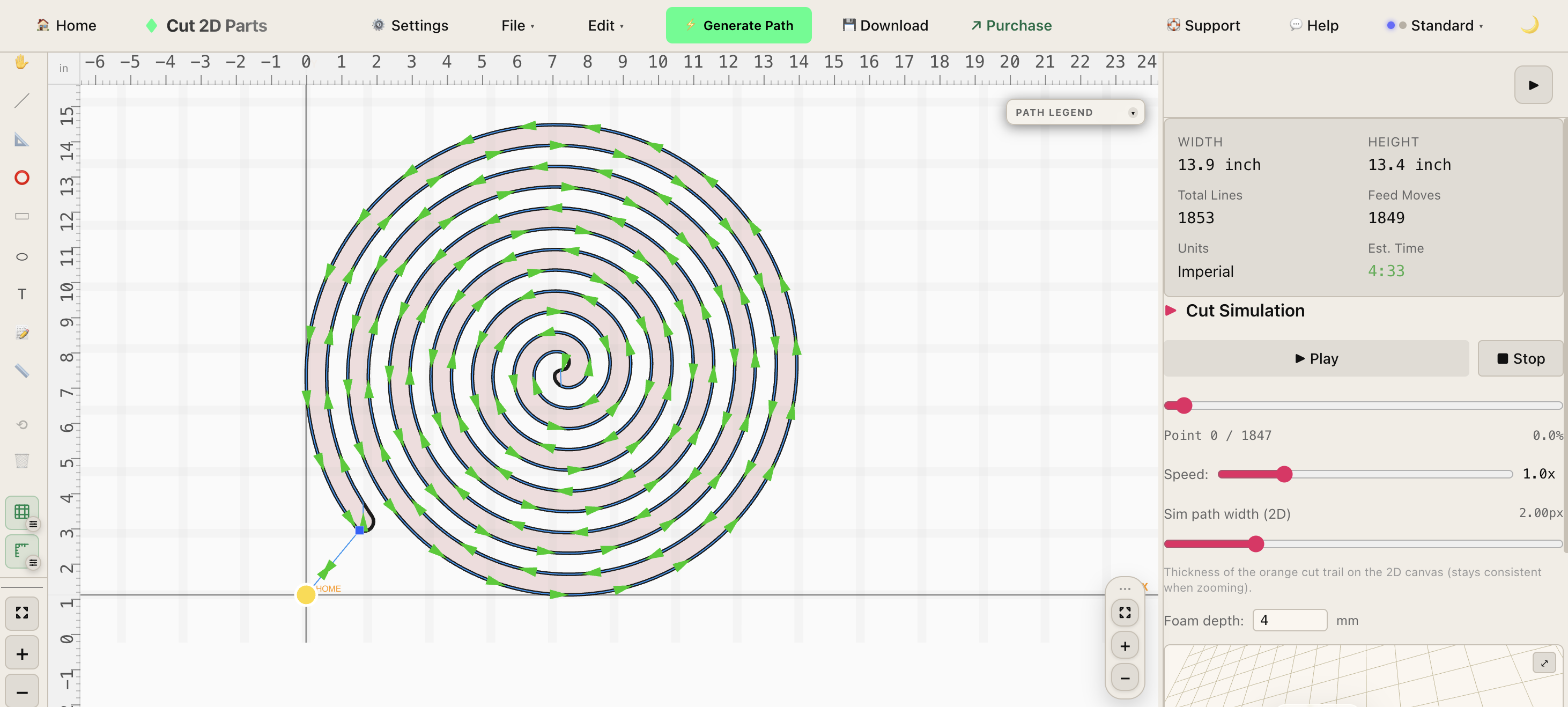
Import DXF and SVG files or draw your own with our built-in CAD tool. Automatic path detection handles the heavy lifting so you can go from file to cut fast.
FoamCut turns your DXF and SVG files into G-code for your hot-wire cutter.
Runs in your browser when you want instant access, or install locally for offline shop work.
Workflow
Preview the cut before exporting G-code
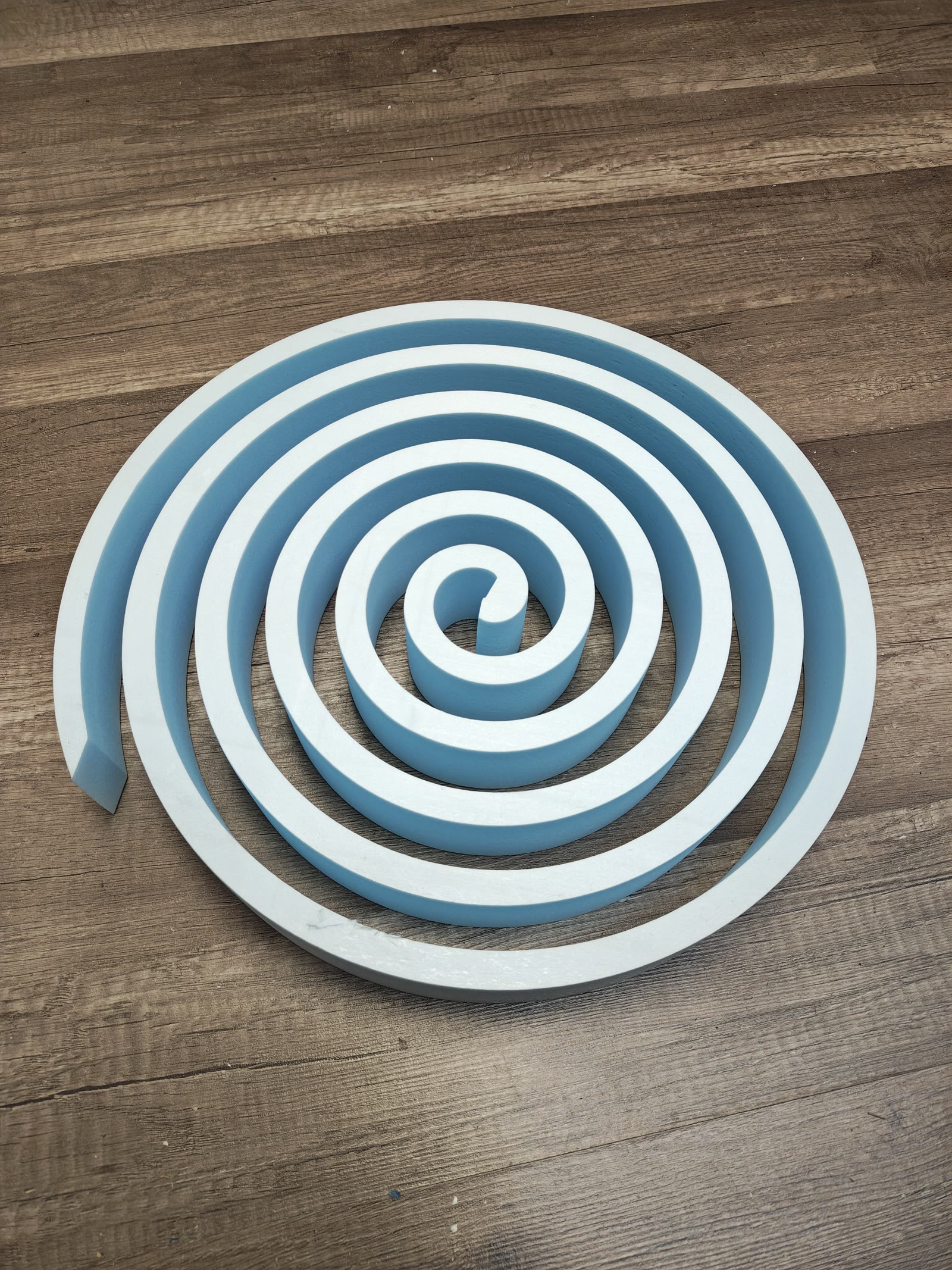
Import DXF and SVG files or draw your own with our built-in CAD tool. Automatic path detection handles the heavy lifting so you can go from file to cut fast.
Precise kerf offset calculations mean cleaner cuts and less wasted material. Set it once per machine profile and every job is dialed in from the start.
AI-based algorithm automatically minimizes wire travel time and reduces waste
Full taper cut and 4-axis workflows for tapered shapes, wings, and complex 3D profiles. Cut parts with different root and tip profiles in a single pass.
See exactly what your machine will cut before sending a single line of G-code. Catch errors early and plan cuts with confidence using the built-in 3D visualizer.
Run FoamCut in any browser with cloud sync, or download the desktop app for offline work between license check-ins. For a PC that never connects, ask about Machine-locked Offline.
The Workflow
Drop in a DXF or SVG from your customer or designer. FoamCut detects paths automatically — no manual cleanup required.
Set kerf, bridges, and machine profile. FoamCut orders paths for minimum travel and generates clean, production-ready G-code.
Verify your cut in 3D, then download G-code for LaserGRBL, Mach3, or your usual sender. Browser streaming to GRBL is in beta.
Save projects and machine profiles for one-click re-runs. Build a library of proven jobs your whole shop can use.
Share your experience
If FoamCut has helped in your shop, we'd love to hear about it. Every submission is reviewed before it appears anywhere publicly.
Jump into the app, browse narrated demos, or open the full previous homepage with every walkthrough.